Post by @jac@404brain.boo

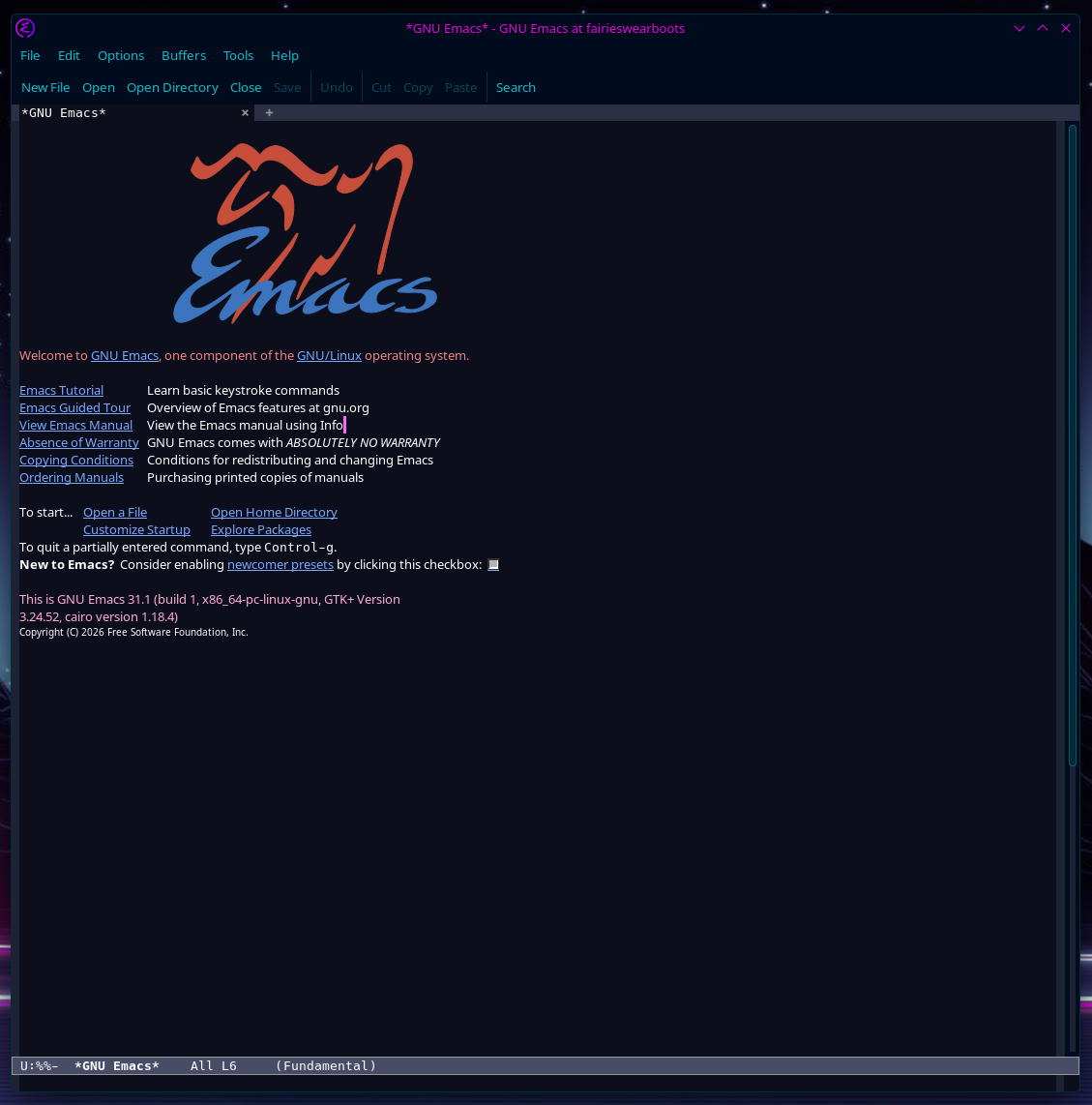
My brain leads me down unexpected rabbit holes fairly often. Today is the turn of #emacs, which I suspect is going to be a lengthy, but hopefully rewarding, rabbit hole.
I've opted to start with the GUI client, mostly because I have a horrible time remembering new shortcuts / commands (thanks to both ADHD and menopause, my memory is shite). Any tips from anyone familiar with it? I'm going to go through the official tutorials etc, but if there are better resources I should know about, I'd be glad to hear them!
1 like


@jac Protesilaos has some helpful video explanations on youtube. Emacs is really about experimenting with different settings and finding what works for you
https://youtube.com/playlist?list=PL8Bwba5vnQK3sQdwAbtdvuxUdtKSfOftA&si=o-qKH4ofHxH4uJ1P

First: congratulations @jac, this is a very rich ecosystem and community you're entering, I really hope you find #Emacs rewarding.
It's been a long time since I learned, so I learned from the built-in tutorial (`C-h t`) which is friendly enough but requires you to maintain interest.
Also, no shade at all using the GUI, the fact Emacs works the same in a text terminal is a great benefit but not a requirement. GUI is my primary Emacs, I hardly ever need the text-only Emacs.
With that said, for recommendations @jac
I strongly recommend having a project or some other ongoing work, that you are *independently* motivated to press forward; commit to using #Emacs for that.
When you need to do something and you don't yet know how to get Emacs to do it, that's when you learn something new in Emacs.
You'll need that independent motivation for when learning the complex new thing gets difficult, which it will, multiple times.
@bignose@fosstodon.org Good advice, and I agree. Learning by doing is often the best way. That said, I don't have anything specific in mind as such, though I do a fair amount of journalling / writing, so probably will see how it fits for that. I use Obsidian a lot, but this might fit certain things better.
I'm also in need of something for simple task management, so I might just start out with that until I get a feel for it. Though I see it can also act as an RSS reader, I'll definitely give that a go!
Many people find that #Emacs is attractive for the bundled #OrgMode, an excellent system both for outlining in a text document and for tracking and organising your life.
You @jac might decide to pick an aspect of your work, hobby, home life, something bounded; and learn Org Mode to track it, and branch out from there.
@bignose@fosstodon.org Yep, I'm definitely going to dive into that fairly soon. It looks exactly like something I'd love.

@jac @bignose If you get some memorizing troubles, you should take a took to some emacs distributions like spacemacs or doom. They come with some helpers. Both of them let you hit space key to navigate between emacs actions menu. I don't know how to configure vanilla emacs to do that. Someone would say it's better to start from vanilla emacs to learn emacs. By the way, it's a long learning pathway. Here, using emacs daily for more than 10 years and still learning. Let enjoy this pathway !
@amelliug@mastodon.social @bignose@fosstodon.org Oh, they both look good. So many options, I love it!
@bignose@fosstodon.org Thanks. It's always good to see software that has an enthusiastic community behind it. :)
I'm just looking at the tutorial now, but I don't think my head is in the mood for it so I'll revisit it properly tomorrow. Maintaining interest can be difficult, especially when I'm tired, so I'm having a look at the videos @tiang@mastodon.social pointed out instead.
I do like a GUI because it doesn't require me to remember a thousand shortcuts, which I often have a problem with. My previous experiments with Neovim ended within an hour for that very reason. :D

@jac you might find which-key mode useful; if you press the first key of a multi-key combination it’ll show the possible further keypresses and what they do. (Like if you press control-h it’ll tell you f for function help, v for variable help, k for keybinding help, etc.)

I really enjoyed https://protesilaos.com/codelog/2024-11-28-basic-emacs-configuration/
Prot has some really nice writeups
I've been using emacs for almost one year now. It takes some time but once you get used to the keystrokes, you won't go back to anything else.
@peaoPerdido@datasci.social Thanks! Someone already recommended his videos and website, I'm actually watching a Prot video now. Good to have a recommendation reinforced. :)

@jac You've got a lot of great recommendations there, but don't get overwhelmed. It can be very easy to do starting with Emacs, but it's worth it in the end. A few other resources that I've found very valuable are:
System Crafters on YouTube
Emacs Org Mode Tutorial by James Stoup on GitHub
Mastering Emacs by Mickey Peterson -- It's a really enjoyable read, so you're learning without feeling like you're slogging through documentation.
Use GNU Emacs by Keith Waclena -- currently reading
@rustbuckett@mastodon.social Thanks, I'll make a note of all of those things. I know what you mean, it can be easy to get overwhelmed (Obsidian can be the same way lol), but I don't mind. I'll go through it all gradually and I like to have choices.
Actually amazed at the number of people who have replied, it's great to get so much input!
@jac@404brain.boo I've used #Emacs for many years but still occasionally revisit the built-in tutorial (C-h t) and have all menus enabled :-)
Don't rush it, spend time getting comfortable with the basics of text editing, moving, scrolling, search, replacing, copy, kill, paste, buffers, commands etc.
[ If you're used to a modal editor (vi), maybe consider the Evil package to provide a familiar environment. ]
You've already had several excellent recommendations for useful resources. I can certainly recommend yet again Prot's videos, Emacs packages and the excellent Modus themes.
I have used starter kits for Emacs (Prelude, Bedrock, Doom) but am in two minds about them. They provide an excellent, polished experience for newcomers but also may include packages you don't want or need. Also, they tend mask the Emacs lisp needed to make configuration changes. Now I prefer to maintain my own Emacs configuration file.
You must also follow @sacha@social.sachachua.com - https://sachachua.com/blog/2026/04/working-on-the-emacs-newbie-experience/
From your requirements, I would certainly investigate orgmode. Again, just don't rush it and get comfortable with the org markup syntax and then maybe experiment with tasks and ToDo lists.
The org-roam and denote packages may well prove to offer similar functionality to Obsidian for knowledge management, journaling and notes.
Chris Maiorana's Emacs for Writers might be of interest - https://chrismaiorana.com/the-emacs-for-writers-handbook-is-available-now-and-ever/
Similarly, Peter Prevos' Writing Studio - https://lucidmanager.org/productivity/configure-emacs/
My favourite Emacs packages that I really miss when using vanilla Emacs on a new machine:
- dired (file manager)
- a marvellous set of packages for completion framework (Vertico, Consult, Marginalia, Orderless)
- jinx - spell checker
Good luck and have fun with Emacs !
@andyc@yakshaving.social Thank you! So much to dive into, and I'll get to it all, but as you say, I'll take my time with it.
I think orgmode will be one of the first things I investigate. The markup seems extremely similar to Markdown, which is handy because I'm very familiar with that. :)
I'm not really that familiar with editors like vi, so I guess I'm coming at this with no habits to untrain, as it were. Making a note of those links, and I'll give Sacha a follow too.